

Remove Task
Remove Task using "repcli"
The “remove” command is used to remove the task:
repcli compare remove capture=capture_id taskname=task_nameThe parameters are:
- capture - ID of the Capture Process
- taskname - Name of the task
REST API
Endpoint: https://repstance_url/compare/delete
- Method: POST
- Header:
- Content-Type: application/json
- X-Token: token
- Body:
{
"capture_id":id_of_the_capture_process,
"name":"name_of_the_task"
}
Web UI
In the Web UI a task is deleted in the “Compare” window of the Capture Process: select the tab of the task, click “Edit”, click “Delete” at the bottom left and confirm the question:
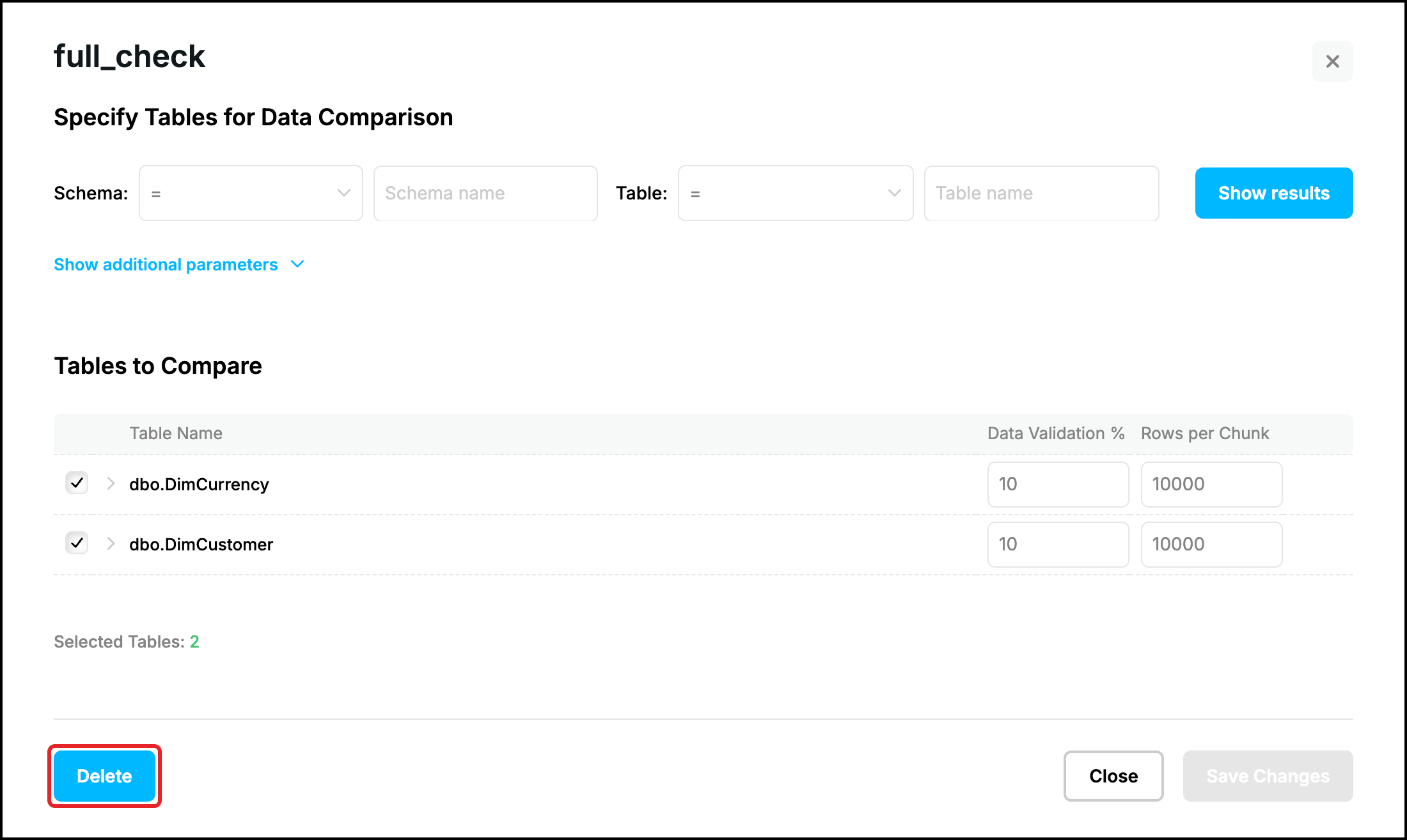
The task is removed together with its report, the tables are not touched. To remove only one table from a task, open the same window, click the bin icon at the end of the line of the table, confirm and click “Save Changes”. See Task Configuration for the details.
Prev page:
List of the TasksNext page:
Task Status- Repstance User Guide
- ABOUT REPSTANCE
- SUPPORTED DATABASE REQUIREMENTS
- GETTING STARTED WITH REPSTANCE
- INTERACTING WITH REPSTANCE SERVER
- CONFIGURE REPLICATION WITH REPSTANCE
- DATABASE CONFIGURATION COMMANDS
- PROCESS CONFIGURATION COMMANDS
- PROCESS CONTROL COMMANDS
- REPSTANCE WEB USER INTERFACE
- REPSTANCE SERVER MAINTENANCE
- MONITORING WITH AMAZON CLOUDWATCH
- MONITORING WITH AZURE MONITOR
- TROUBLESHOOTING AND FAQ
- GLOSSARY
On this page