

Oracle as Source
These parameters are used by prepare, validate and remove with database=source dbtype=oracle (see Prepare Source Database, Validate Database and Remove Repstance Objects from Database). The login that is given in user needs the privileges that are described in Database Privileges.
Parameters
| Parameter | Description |
|---|---|
| database | source. Required. |
| dbtype | oracle. Required. |
| generatesql | 1 makes prepare return the SQL script and change nothing. The default is 0: prepare creates the objects. validate does not use the parameter, and remove removes the objects whatever its value. |
| connectiontype | How Repstance reaches Oracle: ezconnect uses server, port and servicename, tns uses tnsname. Required. |
| tnsname | The net service name. Required with connectiontype=tns; server, port and servicename are then not used. |
| server | The host name or the IP address of the Oracle server. Required with connectiontype=ezconnect. |
| port | The port of the Oracle listener, usually 1521. Required with connectiontype=ezconnect. |
| servicename | The service name or the SID of the database. Required with connectiontype=ezconnect. |
| user | The login that Repstance connects with. Required. |
| password | The password of the login. With connectiontype=tns it can be left out when the connection uses an Oracle wallet. |
| dbname | The name of the container or pluggable database that the Capture Process reads (Oracle 12c to 19c, not Amazon RDS). Only validate uses it: it checks that the name exists and that the CDB_ views can be read. |
| supplementallog | The supplemental logging to enable (used by prepare): ALL, the default, PRIMARY KEY, UNIQUE or FOREIGN KEY. Several values are separated by commas, in upper case and without blanks. A level that is on already is skipped. See supplemental logging in the Oracle Database Utilities documentation. |
| directlogmode | How the Capture Process reads the redo: 0, the default, with Oracle LogMiner, 1 from the log files through Oracle directories, 2 from the log files in ASM (see Oracle Capture Parameters and Overview of Data Capturing Methods for Oracle Database). Give the value of the Capture Process: for 0 prepare creates the global temporary table REPI.DML_CAPTURE_OBJECTS, for 1 the Oracle directories ONLINELOG_DIR and ARCHIVELOG_DIR. When one database is used by Capture Processes with different values, run prepare for each value. |
| locallogdir | The directory with the redo and archive log files that the Capture Process reads instead of the database, with directlogmode=1. validate then does not check the Oracle directories. |
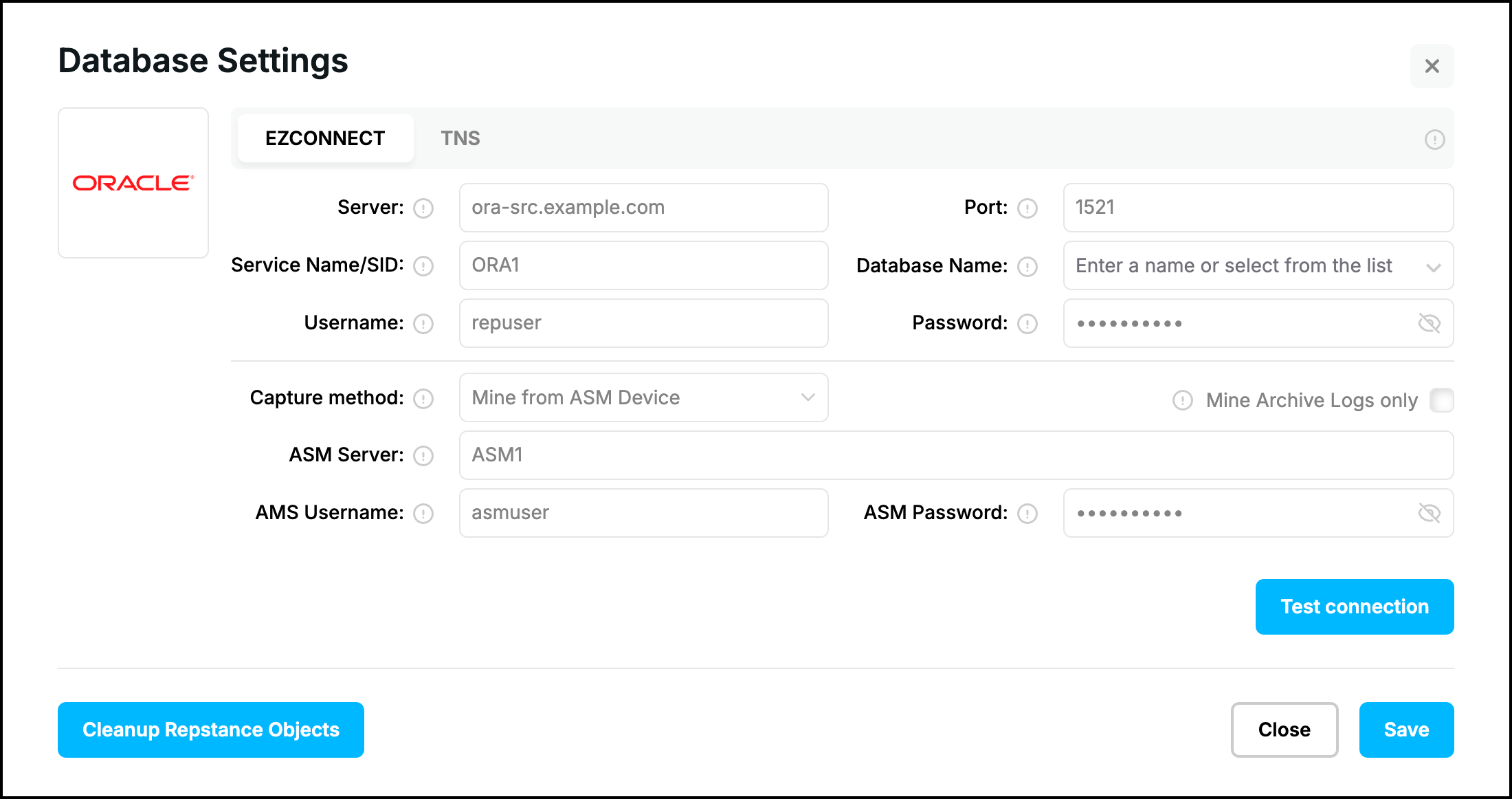
The parameters of the ASM connection that the Capture Process uses with directlogmode=2 (asmservicename, asmuser and asmpassword) are described in Oracle Capture Parameters. prepare and validate do not use them, and neither the check box “Mine Archive Logs only”.
Examples
The connection through a TNS alias:
repcli validate database=source dbtype=oracle connectiontype=tns tnsname=ORA1 user=repuser password=Passw0rd123 directlogmode=0The connection with a host name, a port and a service name, for a container database; the Capture Process reads the log files through the Oracle directories:
repcli prepare database=source dbtype=oracle connectiontype=ezconnect server=ora-src.example.com port=1521 servicename=ORA1 user=repuser password=Passw0rd123 dbname=PDB1 directlogmode=1A required parameter that is missing:
repcli prepare database=source dbtype=oracle
[Failed]: Missed connectiontype parameter
  connectiontype         How to reach Oracle: tns uses tnsname; ezconnect uses server, port and servicename.
                         [tns | ezconnect; required]
repcli prepare database=source dbtype=oracle connectiontype=tns
[Failed]: Missed tnsname parameter
tnsname Oracle net service name (connectiontype=tns); server, port and servicename are then
not used. [net service name; required with tns]Web UI
The form “Database Settings” of a Capture Process for Oracle has two tabs for the connection type. “EZCONNECT” has the fields “Server”, “Port”, “Service Name/SID” and “Database Name”, “TNS” has “TNS Name” and “Database Name”, and both have “Username”, “Password” and “Capture method”:
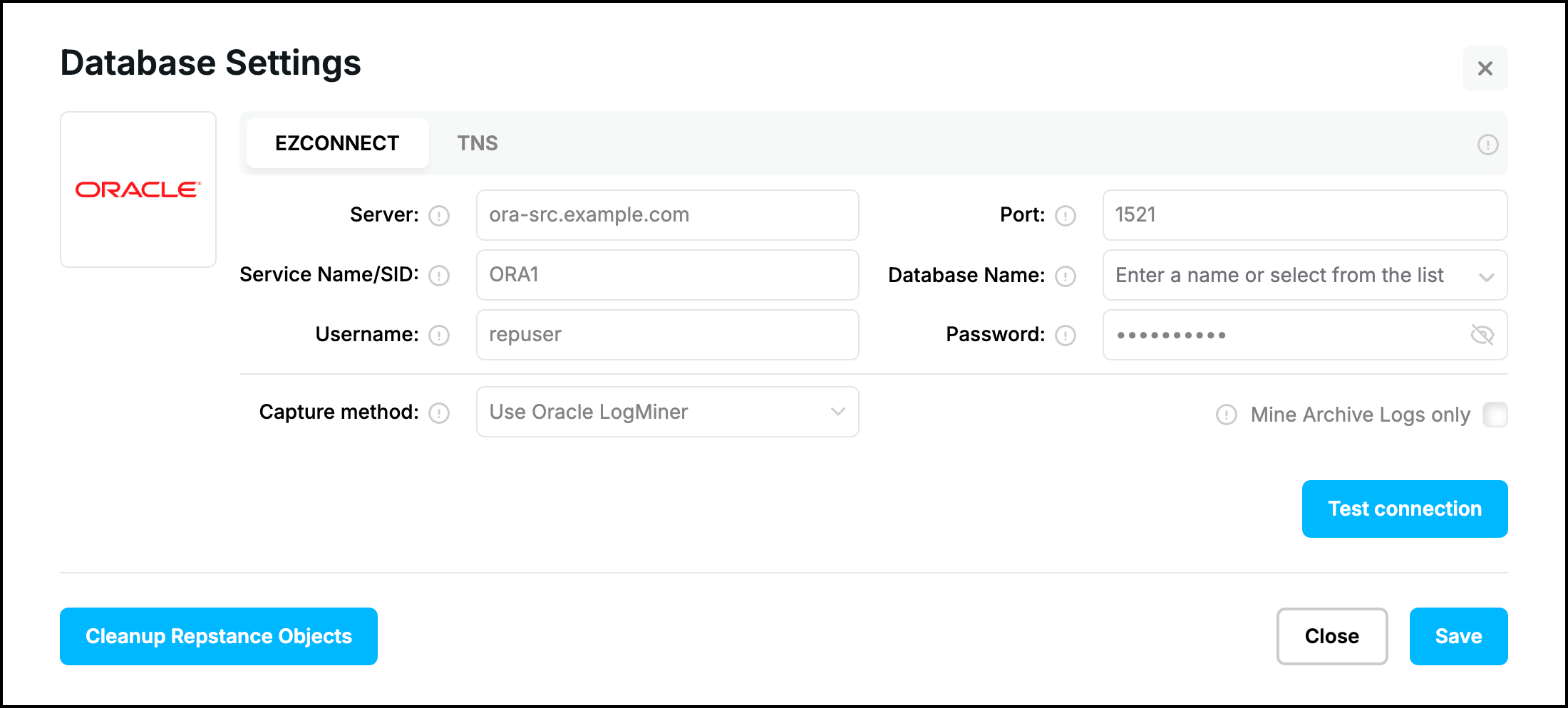
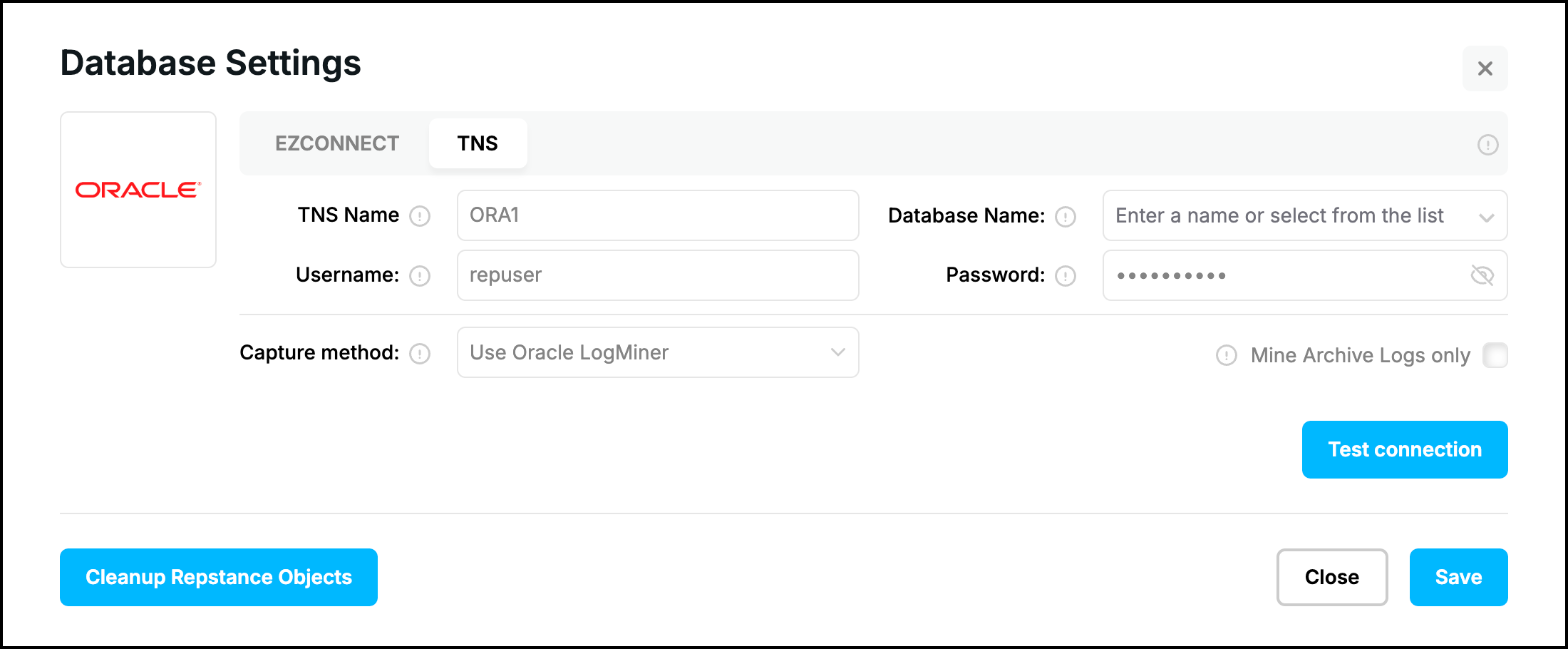
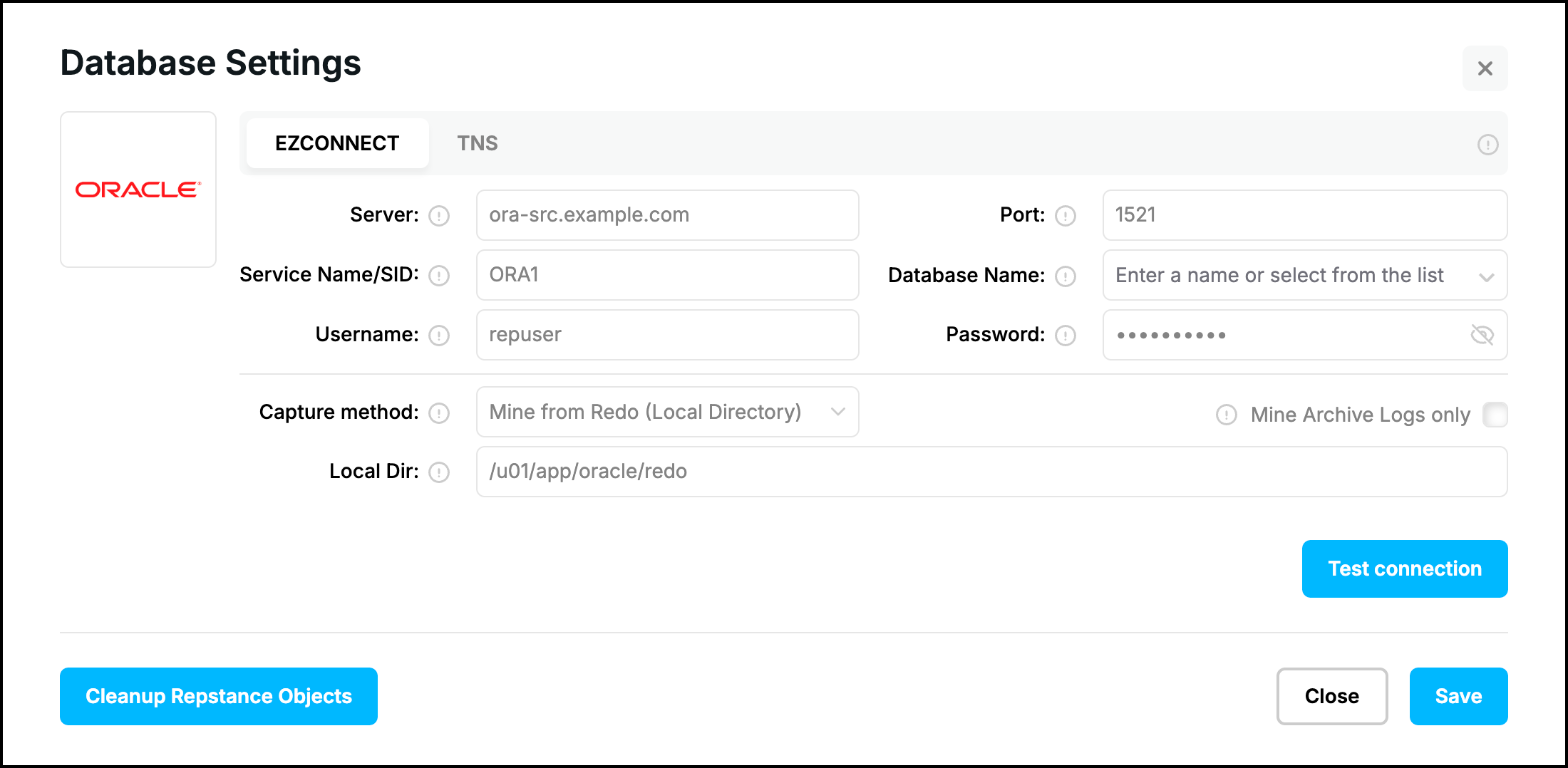
“Capture method” is the parameter directlogmode: “Use Oracle LogMiner” is 0 and “Mine from Redo” is 1. With “Mine from Redo (Local Directory)” (directlogmode=1 and locallogdir) the form has the field “Local Dir”:
With “Mine from ASM Device” (directlogmode=2) the form has the fields of the ASM connection. They are saved with the Capture Process, prepare and validate do not use them:
“Test connection” is validate. The buttons that prepare the database are shown in Prepare Source Database.
Prev page:
SQL Server as SourceNext page:
MySQL as Source- Repstance User Guide
- ABOUT REPSTANCE
- SUPPORTED DATABASE REQUIREMENTS
- GETTING STARTED WITH REPSTANCE
- INTERACTING WITH REPSTANCE SERVER
- CONFIGURE REPLICATION WITH REPSTANCE
- PROCESS CONFIGURATION COMMANDS
- PROCESS CONTROL COMMANDS
- DATA COMPARISON
- REPSTANCE WEB USER INTERFACE
- REPSTANCE SERVER MAINTENANCE
- MONITORING WITH AMAZON CLOUDWATCH
- MONITORING WITH AZURE MONITOR
- TROUBLESHOOTING AND FAQ
- GLOSSARY